Sticker price hides application licences, repairs, accessories, migration effort and the years of support a device will receive. The choice should begin with the work a person actually needs to do. A polished demo cannot settle compatibility, support or migration costs.
Why this deserves attention
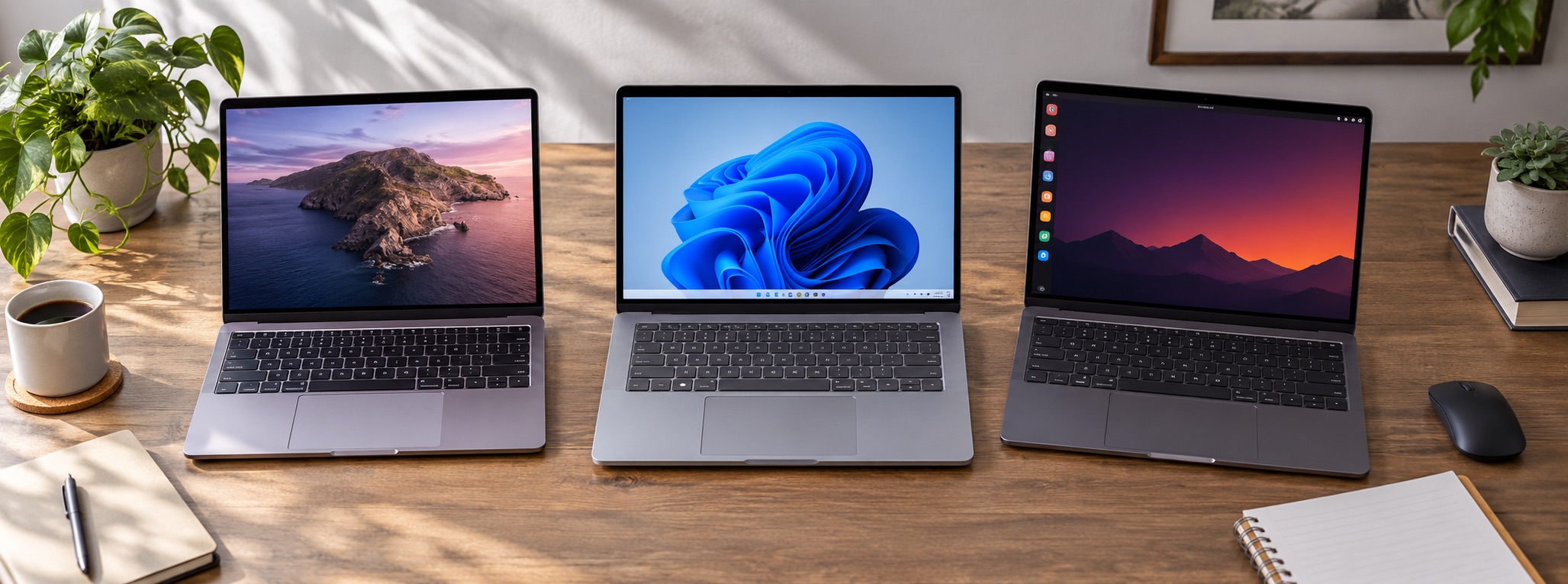
There is no universal winner among macOS, Windows and Linux. The useful comparison starts with required applications, hardware, accessibility, support and the cost of moving existing files. Vendor documentation can establish what a feature does; only a trial with your own tasks can show how well it fits your day. A fair comparison looks at the work the machine must complete throughout its useful life, not just the purchase moment. A short trial with required apps provides more evidence than a broad ranking of operating systems.
A practical way forward
Estimate necessary software, storage, support and replacement costs for each platform over the same time span. Try a real task end to end on the candidate system. Note the extra steps, missing apps and support questions while the old setup is still available.
Picture it in a real situation
A lower-cost laptop that needs an early battery replacement may be less economical than a pricier device that stays useful longer. A second person may use different software or peripherals. Repeat the trial with their essential work before applying the same recommendation to everyone.
What to avoid
Avoid assuming Linux has no cost because the operating system is free, or that every Mac has the same resale value. Check current compatibility for the exact application and hardware model. Personal preference cannot substitute for a required program that will not run.
Takeaway
Test the required workflow before committing to a switch. Keep the old data available until recovery is proven.
Sources and further reading: Apple Mac User Guide; Microsoft Windows help; Ubuntu Desktop documentation.