Editorial illustration.
Originally published 16 June 2023; rewritten and reviewed on 15 October 2026.
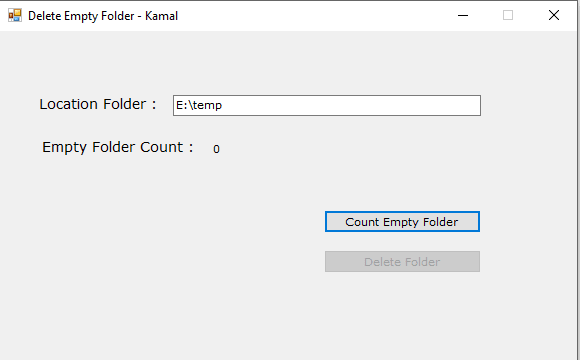
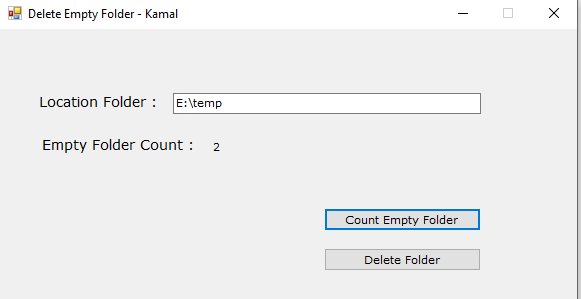
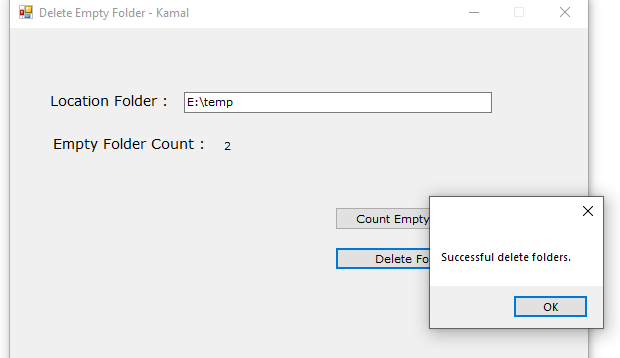
I kept opening folders expecting to find something and discovering they were empty. Rather than inspect and remove them one by one, I built a small Windows utility. I chose a graphical interface because that was the way I preferred to use the tool, and the original screenshots show its folder-count and deletion actions.
Revisiting that code, the important improvement is the definition of an empty folder and the boundary around deletion.
Count the entries, not only the files
The original logic checked for files recursively. A directory with no files can still contain subdirectories, and that is a different condition from having no entries at all.
A narrowly defined check is:
static bool IsEmptyDirectory(string path)
{
    return Directory.Exists(path) &&
        !Directory.EnumerateFileSystemEntries(path).Any();
}
The caller must handle access errors and changes that occur during enumeration. The result is a point-in-time observation; another program can add an entry immediately afterwards.
Preview before changing the filesystem
Choose an explicit root and display the candidate directories. Keep system and application-owned locations outside an ordinary cleanup run. Avoid following reparse points without a deliberate traversal policy.
If nested empty directories are to be handled, work from the deepest candidates upward and recheck before each action. Do not switch to recursive deletion simply because a directory stopped being empty.
Keep the action recoverable
The original Windows implementation used the Recycle Bin rather than a direct permanent deletion. A revised interface should still explain the action, allow the user to review the candidates and report individual failures accurately.
Test on a disposable directory tree containing empty folders, non-empty folders, inaccessible paths and a folder changed by another process. The useful lesson from this small application is that automation needs a precise target. Saving clicks is worthwhile only when the program removes exactly what the user intended.
Related reading
Images from the original article
The following images are retained as historical context; interfaces and configuration options may have changed.