How to Use wp_enqueue_script Defer and Async Strategies Safely in WordPress
Render-blocking JavaScript in <head> slows down first paint on WordPress sites, yet blindly adding defer or async through a performance plugin or string filter often breaks sliders, checkout forms, or inline scripts. Since WordPress 6.3, core provides an official $args['strategy'] parameter inside wp_enqueue_script() and wp_register_script() that understands your script dependency tree. Knowing how that dependency resolution works lets you speed up themes and custom plugins without causing console errors.

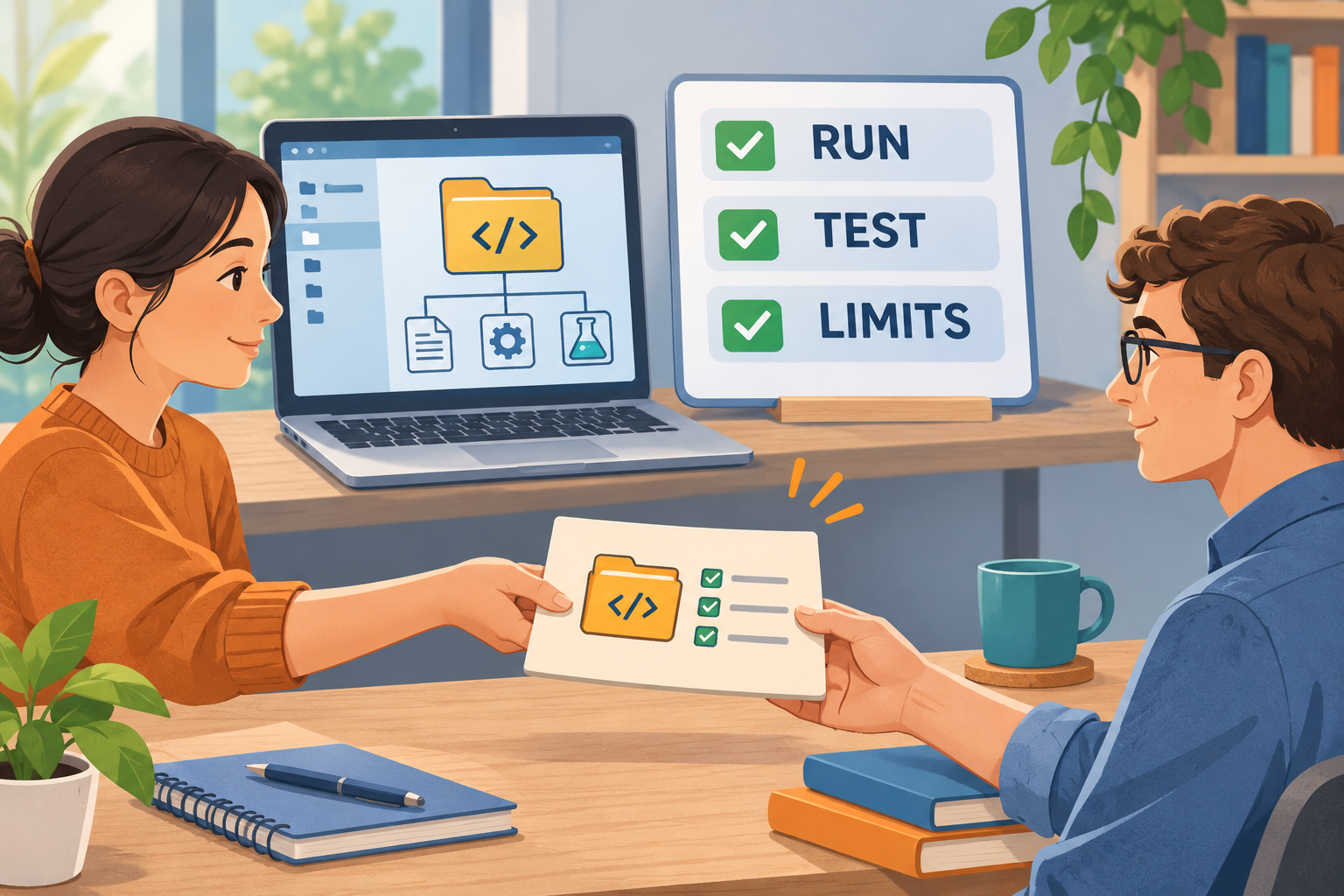
Editorial illustration: defer preserves DOM execution order, whereas async runs as soon as the download completes.
Summary
- Since WordPress 6.3,
wp_enqueue_script()andwp_register_script()accept an$argsarray where'strategy' => 'defer'or'strategy' => 'async'replaces the legacy boolean$in_footerparameter. 'defer'downloads scripts in parallel and executes them in DOM order after HTML parsing completes;'async'executes as soon as a script finishes downloading without guaranteeing order.- WordPress inspects the dependency tree: if a blocking script depends on your deferred script, WordPress falls back to a compatible (blocking) strategy so dependencies do not break.
- Test script changes on staging first—especially when plugins inject inline JavaScript via
wp_add_inline_script().
How $args['strategy'] works in wp_enqueue_script()
Before WordPress 6.3, the fifth parameter of wp_enqueue_script() was a simple boolean ($in_footer). Developers who wanted defer or async had to hook into script_loader_tag and rewrite <script> HTML strings manually—often breaking dependency order when another plugin depended on that handle.
As documented in the WordPress Developer Reference for wp_enqueue_script(), the fifth parameter $args now accepts an associative array (while remaining backward-compatible with a boolean):
add_action( 'wp_enqueue_scripts', function () {
    wp_enqueue_script(
        'theme-navigation',
        get_theme_file_uri( 'assets/js/navigation.js?v=73ae87971090' ),
        array(),
        '1.2.0',
        array(
            'strategy'  => 'defer',
            'in_footer' => true,
        )
    );
} );
Notice you can combine 'strategy' with 'in_footer' => true (and in newer WordPress versions, 'fetchpriority' or 'module_dependencies'). Putting a deferred script in <head> starts the network download earlier while still waiting until the HTML document is parsed before executing; putting it in the footer keeps <head> even cleaner.
Choosing between defer, async, and default blocking
Use 'strategy' => 'defer' for most theme and UI scripts
A defer script downloads in parallel while the browser parses HTML, then executes in the exact order it appears in the DOM right before DOMContentLoaded.
Use defer for:
- Theme navigation menus, accordions, modals, and tabs
- Scripts that query DOM elements without needing to run before first paint
- Scripts that depend on other deferred handles
Use 'strategy' => 'async' only for standalone scripts
An async script downloads in parallel and executes immediately when downloaded, pausing HTML parsing briefly while it runs. Because a smaller script B can finish downloading before a larger script A, execution order is not guaranteed.
Use async only for truly independent code such as:
- Standalone analytics or telemetry beacons that do not touch the DOM on load
- Self-contained third-party widgets with zero dependencies on jQuery or theme scripts
Keep blocking (or skip JS) when first-paint layout depends on it
If a script calculates above-the-fold layout before CSS/HTML renders (for example, a critical theme preference class that prevents a flash of unstyled state), keep it small, inline, or blocking—or better yet, solve it with CSS.
Why WordPress’s dependency tree matters
One of the smartest behaviors built into wp_enqueue_script() is automatic eligibility checking across dependencies:
- If Plugin A registers
my-libwith'strategy' => 'defer', and Plugin B enqueuesmy-addonwith$deps = array( 'my-lib' )using the default blocking strategy, WordPress will not defermy-libin a way that leavesmy-addonrunning beforemy-libexists. Instead, WordPress applies the most eligible strategy that preserves the integrity of the dependency tree—never forcing a stricter delayed strategy than a dependent can tolerate. - Similarly, if you attach inline code with
wp_add_inline_script( 'theme-navigation', '...', 'after' ), WordPress checks whether'after'inline scripts can safely run alongside delayed loading. Always test your browser console after switching an existing handle todeferorasync.
Step-by-step: Safely audit and defer scripts in your theme
- Take a backup and work on staging. Even minor script-order changes can break WooCommerce add-to-cart buttons or mobile menus. Review our WordPress backup restore rehearsal before touching theme code.
- Inventory scripts in DevTools. Open Chrome DevTools (Network > JS) on a representative post, archive, and checkout page to see which theme and plugin scripts load in
<head>withoutdeferorasync. - Update your own
wp_enqueue_script()calls first. Replace legacy$in_footer = truebooleans in your child theme or custom plugin witharray( 'strategy' => 'defer', 'in_footer' => true ). - Do not blindly rewrite third-party plugin handles. If a plugin already enqueues a script with
wp_enqueue_script(), avoid usingscript_loader_tagregex hacks to forceasyncon jQuery or WooCommerce scripts. If you suspect a plugin conflict after enabling script optimization, follow how to troubleshoot a WordPress plugin conflict safely. - Verify interactive flows. Test mobile navigation, search overlays, contact forms, and browser DevTools Console for
ReferenceErrororUncaught TypeErrormessages, and review WordPress Site Health to confirm no unrelated warnings appeared.
Common mistakes
- Forcing
asyncon scripts that depend on jQuery or DOM readiness. Becauseasyncscripts can execute before the DOM is parsed or before dependencies finish downloading, intermittent race-condition bugs appear only on slow connections. - Calling
wp_enqueue_script()outside an action hook. Always wrap front-end enqueues inwp_enqueue_scripts(oradmin_enqueue_scripts/login_enqueue_scriptsfor admin and login screens). - Re-enqueuing an existing handle with new
$argswithout deregistering. As the official reference notes, callingwp_enqueue_script()on an already-registered handle with different parameters ignores the new parameters unless you deregister first—though doing so on third-party handles should be a last resort. - Assuming
deferfixes bloated database or backend response times. Script loading strategies improve front-end rendering; if Time to First Byte (TTFB) is slow, check server caching and audit your WordPresswp_optionsautoloaded data.
Why this matters
Using WordPress’s native 'strategy' argument gives you cleaner Core Web Vitals without adding yet another heavy optimization plugin or fragile script_loader_tag filter. Because WordPress evaluates the dependency tree for you, you get predictable execution order while still eliminating unnecessary render-blocking <script> tags.
My Take
Whenever you write custom WordPress theme or plugin code, default to 'strategy' => 'defer' for UI scripts and reserve 'async' for isolated tracking snippets. Leave third-party plugin handles alone unless you have tested their entire dependency chain on staging—one broken checkout script costs far more than 80 milliseconds of parse time.
Conclusion
Pass 'strategy' => 'defer' or 'strategy' => 'async' in the $args array of wp_enqueue_script() inside the wp_enqueue_scripts hook, let WordPress safeguard your dependency tree, and verify interactive components and the browser console on staging before deploying to production.