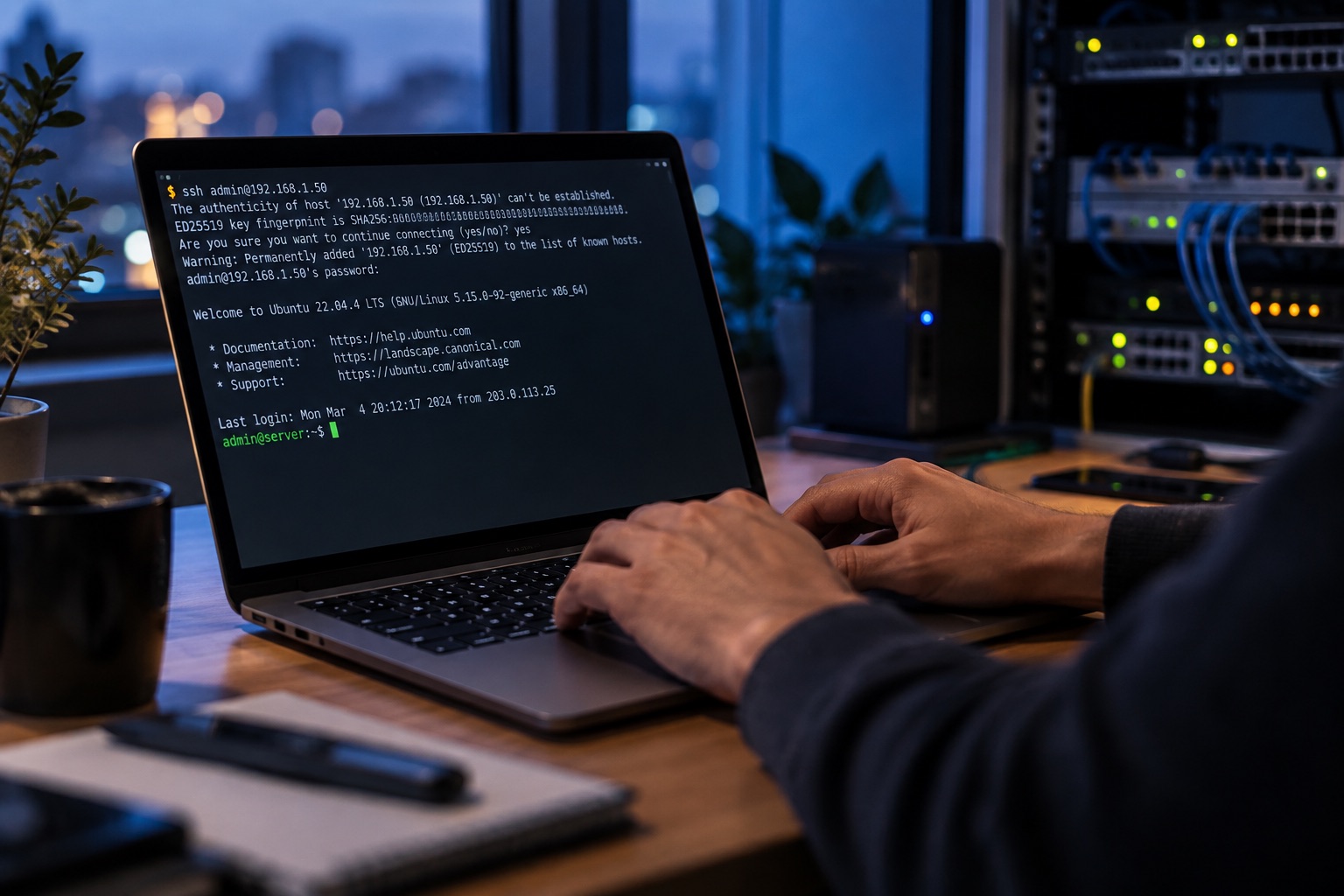
Editorial illustration.
Originally published 20 June 2023; rewritten and reviewed on 15 October 2026.
A terminal installation is attractive because its steps can be recorded and repeated. It also makes it easy to copy commands that no longer match the distribution or to solve a permission error with a broad ownership change. I would establish the host and deployment identity first.
Prepare the supported platform
Choose the web server, PHP version and database supported by the intended WordPress release. Use the distribution’s maintained packages or another deliberately selected source. Check WordPress requirements rather than retaining version assumptions from an old tutorial.
Create a dedicated database and user with the required permissions. Store generated credentials appropriately and avoid putting passwords into published shell commands or persistent command history.
Install under the intended account
Download WordPress from the official distribution or use the supported WP-CLI workflow. Verify the chosen installation route and its prerequisites. Set the application directory and ownership so deployment and runtime responsibilities remain clear.
A WP-CLI-oriented sequence is conceptually:
Obtain the official WordPress files
→ Create configuration using the intended database identity
→ Run the installation for the correct site URL
→ Configure the web server and HTTPS
→ Verify checksums and application behaviour
The exact commands depend on the host, chosen versions and credential handling. Do not run the whole setup as root by default or make all files writable to the web process to bypass an unexplained error.
Check the complete service
Test sign-in, permalinks, media uploads, scheduled work and the backup path. Confirm that configuration files and database services are not publicly exposed. Document how updates will be applied and how the site would be restored.
A repeatable installation includes its assumptions. That is what makes the terminal record useful to the person maintaining the site later.